7 Ergonomic Tips for a Better Remote Work Setup
7 Ergonomic Tips for a Better Remote Work Setup
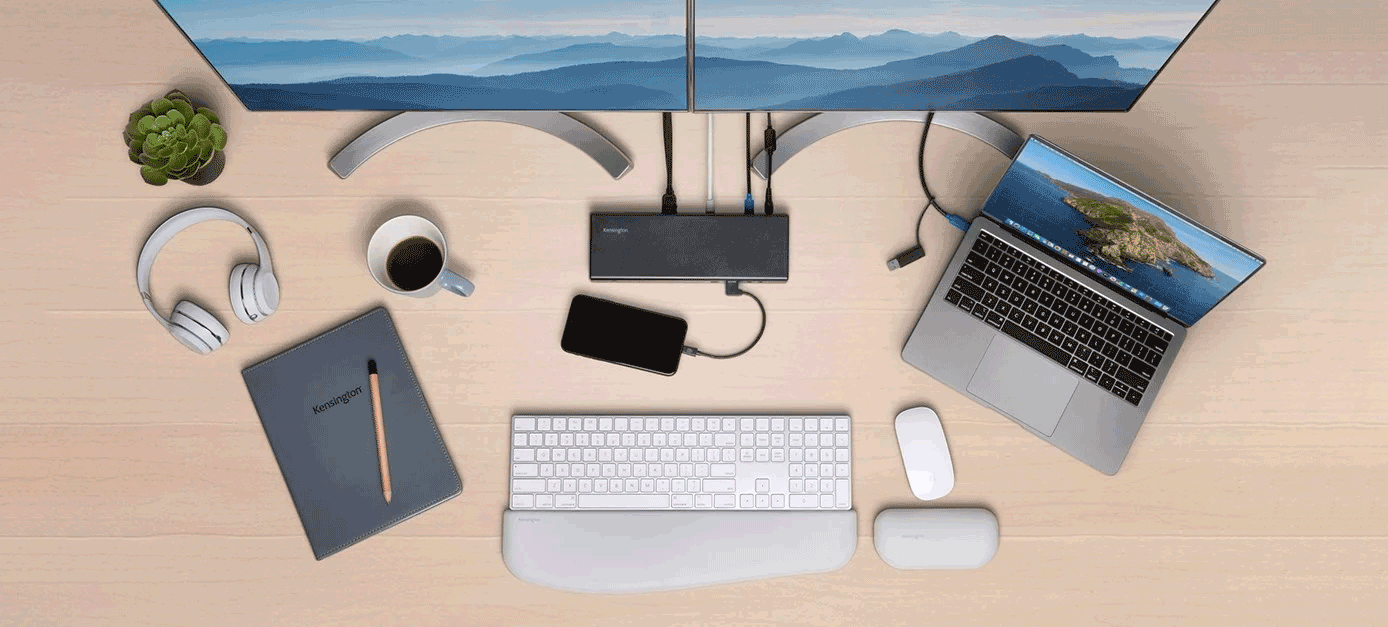
In the era of digital nomadism and flexible work arrangements, creating an ergonomic remote workstation isn’t just a luxury—it’s a necessity. Whether you’re dreaming of working from exotic locations or looking to improve your current home office, these seven tips will revolutionize your remote work experience.
1. Invest in a Portable Ergonomic Chair or Cushion
Your spine will thank you! Look for lightweight, foldable ergonomic chairs or high-quality lumbar support cushions that can easily fit in your travel bag. Brands like Helinox offer compact travel chairs that provide excellent support.
Recommended Product: Roost Laptop Stand – Lightweight and adjustable, perfect for digital nomads.
2. Choose the Right Portable Workspace
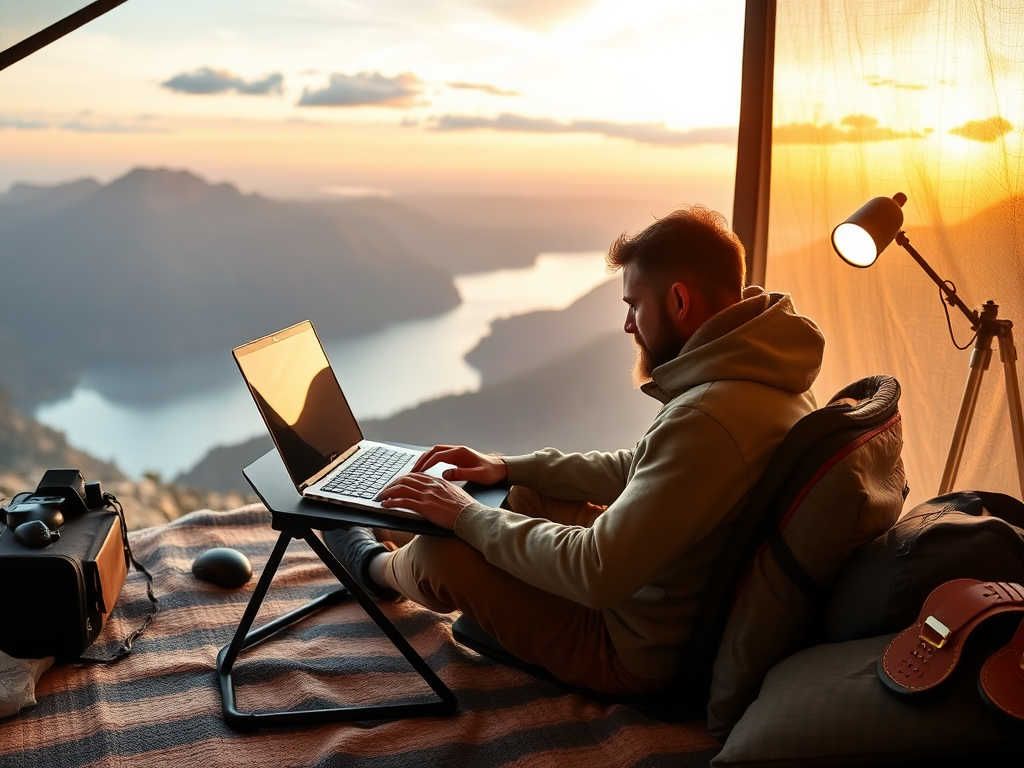
Not all surfaces are created equal. Invest in a portable laptop stand or desk that allows you to maintain proper posture. Consider:
- Adjustable laptop stands
- Portable laptop desks
- Ergonomic travel workstations
3. Prioritize Proper Lighting
Good lighting is crucial for reducing eye strain. Invest in:
- Portable LED desk lamps
- Laptop light rings
- Natural light-mimicking desk lights
4. Ergonomic Accessories for Travelers
Pack these compact ergonomic essentials:
- Wireless ergonomic mouse
- Compact keyboard
- Noise-canceling headphones
- Blue light blocking glasses
5. Create a Mobile Wellness Kit
Develop a travel-friendly wellness kit including:
- Compact foam roller
- Resistance bands
- Posture corrector
- Stress relief tools
6. Implement Movement Breaks
Remote work doesn’t mean sitting all day. Use apps like:
7. Optimize Your Digital Workspace
Use productivity and ergonomic apps:
Bonus Tip: Health Insurance and Ergonomic Assessments
Consider digital nomad health insurance that covers ergonomic consultations. Providers like SafetyWing offer comprehensive remote worker health plans.
Conclusion
Creating an ergonomic remote workstation is an investment in your health, productivity, and freedom. By implementing these tips, you’ll be well on your way to a comfortable, efficient remote work lifestyle.
Quick Actionable Checklist
- Portable ergonomic chair/cushion
- Laptop stand
- Proper lighting solution
- Ergonomic travel accessories
- Movement tracking app
- Wellness travel kit